








Joomla!® Extensions, Modules, Plugins and Templates
Since 2008, we are constantly providing the highest quality Joomla! extensions on the market.
Backed up by +150K happy customers we decided to offer frontend design solutions well known as Joomla! Templates in order to make the Web a better place.

Extensions Demo
Explore the power of our extensions the way our +150K Happy Customers did
Administrator Demo Frontend DemoTemplates Demo
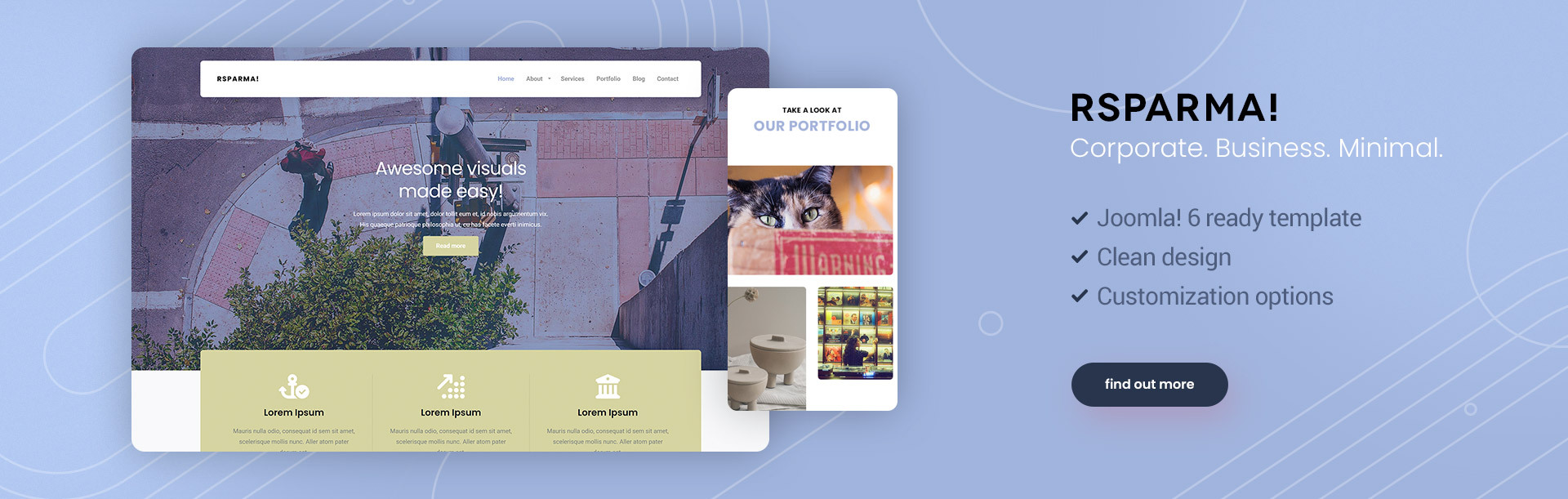
Highly customizable responsive website templates packed with awesome features
Frontend Demo
Latest updates
Latest blog entries

Autumn Has Arrived! And So Have RSJoomla! Deals
Fall is here, and so are the savings! Make this season the perfect time to refresh your Joomla! website with special RSJoomla! offers.

Cheers to 21 Years of Joomla!
Joomla! has reached another incredible milestone, and we're celebrating with a special offer just for you. Here's to 21 years of innovation, community, and building amazing websites together!
Unauthenticated File Upload fixed in RSFiles! version 1.17.12 - update NOW!
A critical flaw in the RSFiles! upload function allows unauthenticated file uploads without enforcing any file extension.
What this means is that any attacker, without having an account on your website, can upload a .php file in your /downloads directory and execute it.
The bottom line is: update immediately to RSFiles! 1.17.12 which fixes this along some other not-reported, but less critical security issues.
Is this exploited in the wild?
Fortunately, at the time of writing, the vulnerability is not public information. It has been privately disclosed by the team at mySites.guru which we thank and recommend - they deliver fantastic services. However, as this is now disclosed, this will be exploited in the wild probably in a few hours after the new version has been released.
How to mitigate this
If you are using RSFirewall!, by default file uploads with a .php extension are silently deleted so you're protected.
Update as soon as possible
Do not rely on firewalls to keep up with this - your immediate action should be to update RSFiles! to the latest release. If updating is not possible, delete /components/com_rsfiles/controllers/rsfiles.php. This will render RSFiles! unusable, but the file contains the affected code so you won't be vulnerable.
Things to check regardless if you're affected or not
- Any stray .php files in the downloads/ folder and in any other sub-folders;
- Any stray .php files in the briefcase/ folder and in any other sub-folders;
- Check if your download folders are secure - go to RSFiles - Settings - Files and tick both the 'Secure download folder' and 'Secure briefcase folder' checkboxes. This will create a file named .htaccess that disallows direct access to these folders, so files will only be served through RSFiles!.
- Check your server's raw access logs for POST requests pointing to
index.php?option=com_rsfiles&task=rsfiles.upload that are not preceded by a request to index.php?option=com_rsfiles&task=rsfiles.checkupload
The technical details
mySites.guru has an excellent blog post explaining how this was discovered, what the bug does and how to address this.Latest articles from our docs
Settings
in RSFiles! - Getting started 2 weeks ago.The RSFiles! Settings tab represent the general control area of this component. This section is divided into 4 tabs: General, Files, Frontend and Emails. General Update code: the unique code of the license. This can be viewed in the View...
RSEvents!Pro Changelog
in RSEvents!Pro - Changelog 3 weeks ago.RSEvents!Pro Component RSEvents!Pro Cart plugin 20 May 2026 Version 1.14.15 Added - Added a confirmed date for when scanning the ticket code and confirming the user. Added - Future events menu item now has an end period. Upgrade...
RSComments! Changelog
in RSComments! - Changelog 3 weeks ago.05 Oct 2026 Version 1.14.6 Fixed - Improper cache removal for comments. 29 Sep 2026 Version 1.14.5 Added - Cleantalk integration. Added - Mark comments as spam. Added - Edit history for comments. Added - Overview statistics for...

Build Your Website Now!
Take a look at our extensive portfolio and choose the best combination of templates and compoents to build your website from the ground up.
We have more than 10 years of experience with developing solutions for the Joomla! community and offer a 100% satisfaction guaranteed when using our products. With each purchase you will also be able to call on our highly trained support specialists to help you better understand how each component or template works.
