
How to Hide Fields in RSForm!Pro for Guest Users
In this article, we’ll show you how to hide a field in RSForm!Pro when the form is viewed by a guest. If the user is logged in, the field will show up as usual. This can be easily achieved using a dropdown field, a small CSS code, a Conditional Field and a small PHP code.
The Dropdown field
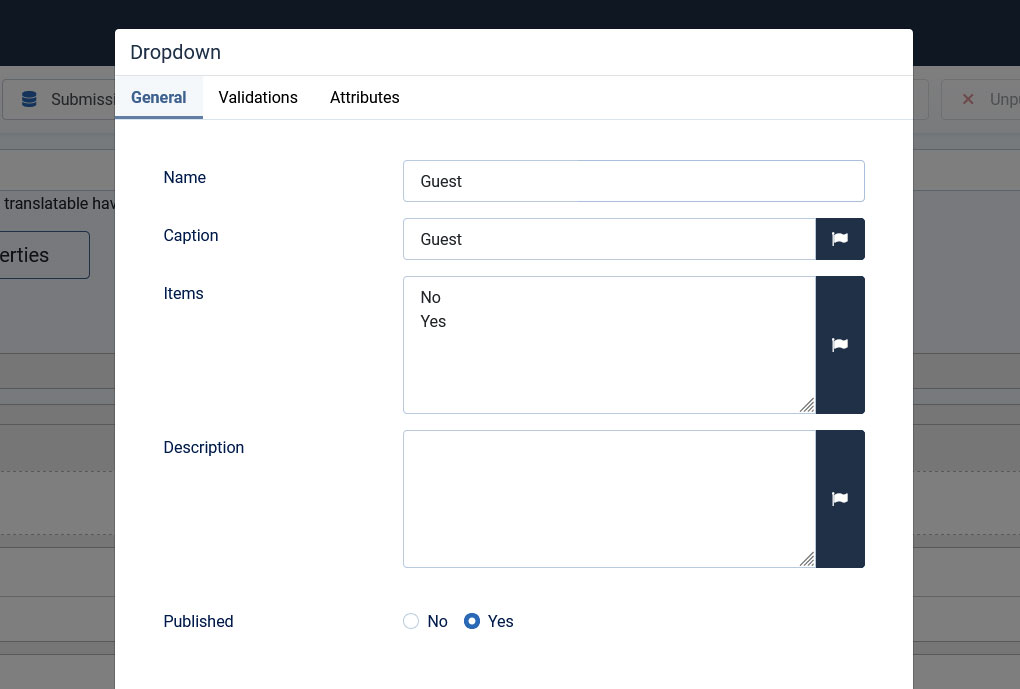
First, we'll need to create a Dropdown field, let's name it simply, Guest, in which we'll add two items:
- No
- Yes
The CSS code
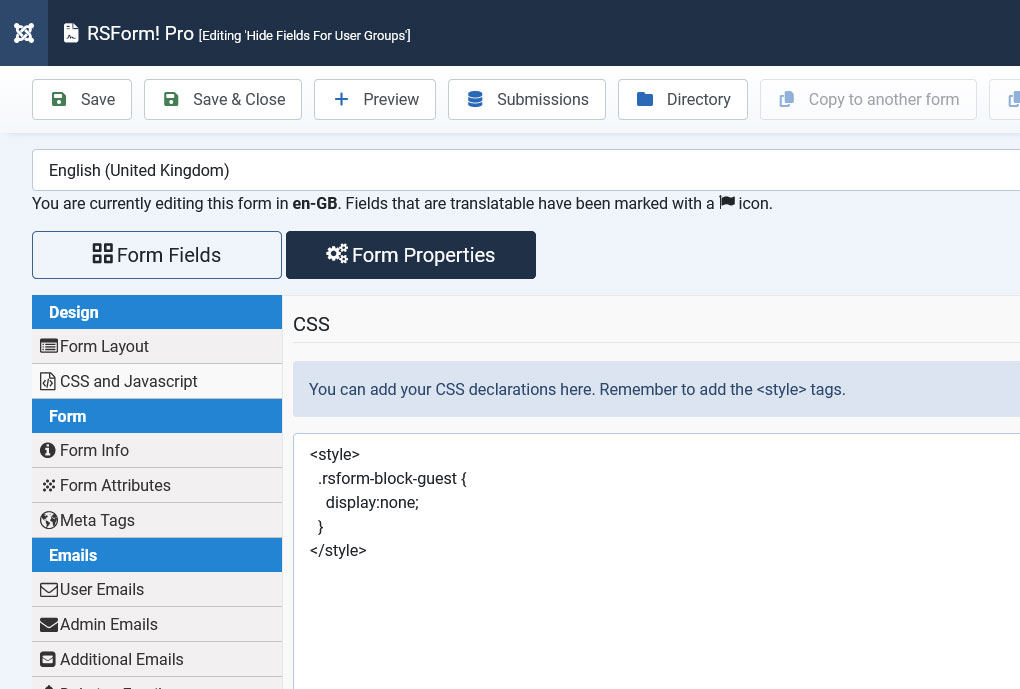
Second, we don't need this Dropdown field to be displayed in the frontend area, thus, we'll need to hide. Edit your form, go to Form Properties > CSS and JavaScript and add the following code in the CSS area:
<style>
  .rsform-block-guest {
    display:none;
  }
</style>
The Conditional Field
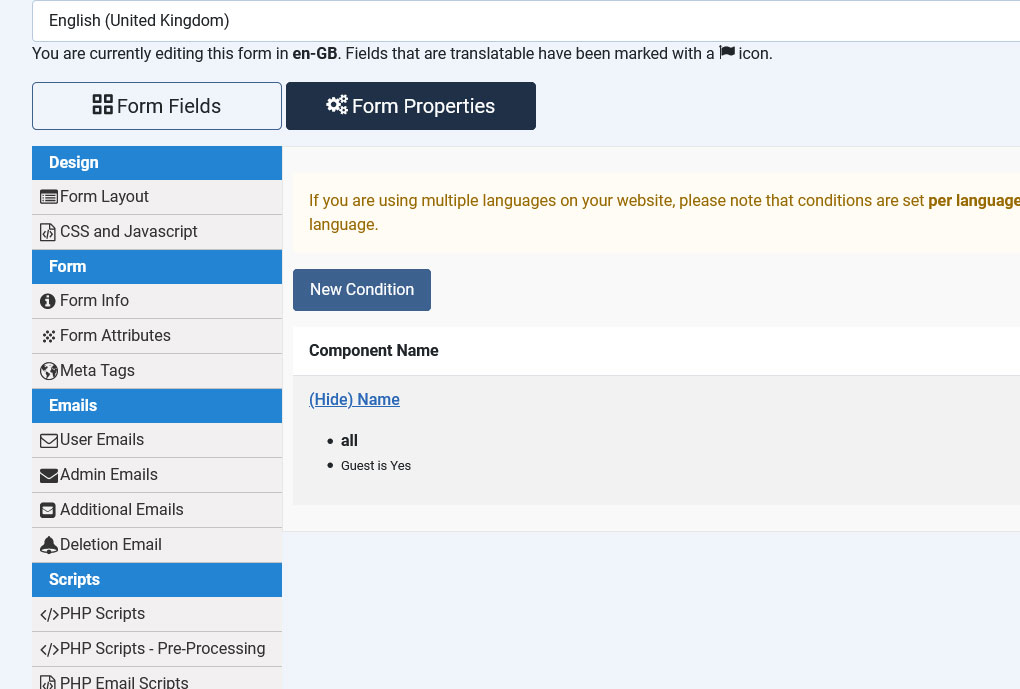
Third, we'll need to craft a Condition which will hide a desired form field, for example, the Name field. It should look like this:
Hide / Name / if / all / Guest is Yes
The PHP code
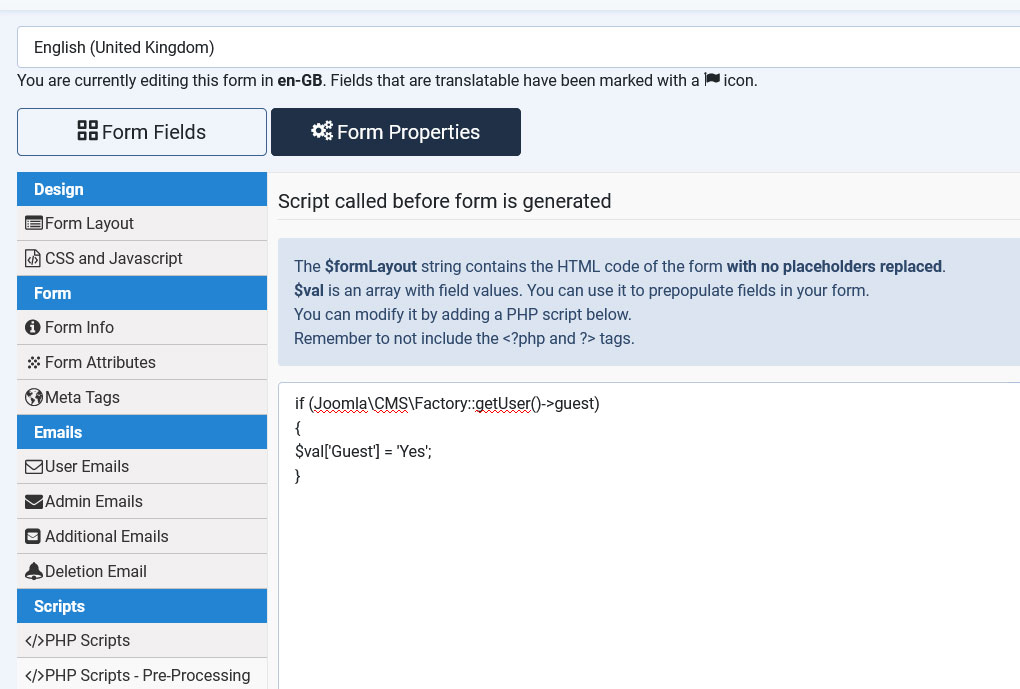
Head over to Form Properties > PHP Scripts - Pre-Processing and paste the code below into the Script called before form is generated area:
if (Joomla\CMS\Factory::getUser()->guest)
{
$val['Guest'] = 'Yes';
}
Now, when a guest views the form, the Name field will be hidden. But if the user is logged in, it will be displayed.
2 persons found this article helpful.
